

Operate · Zeya Tempo
Every shift covered. Every affected patient rescheduled.
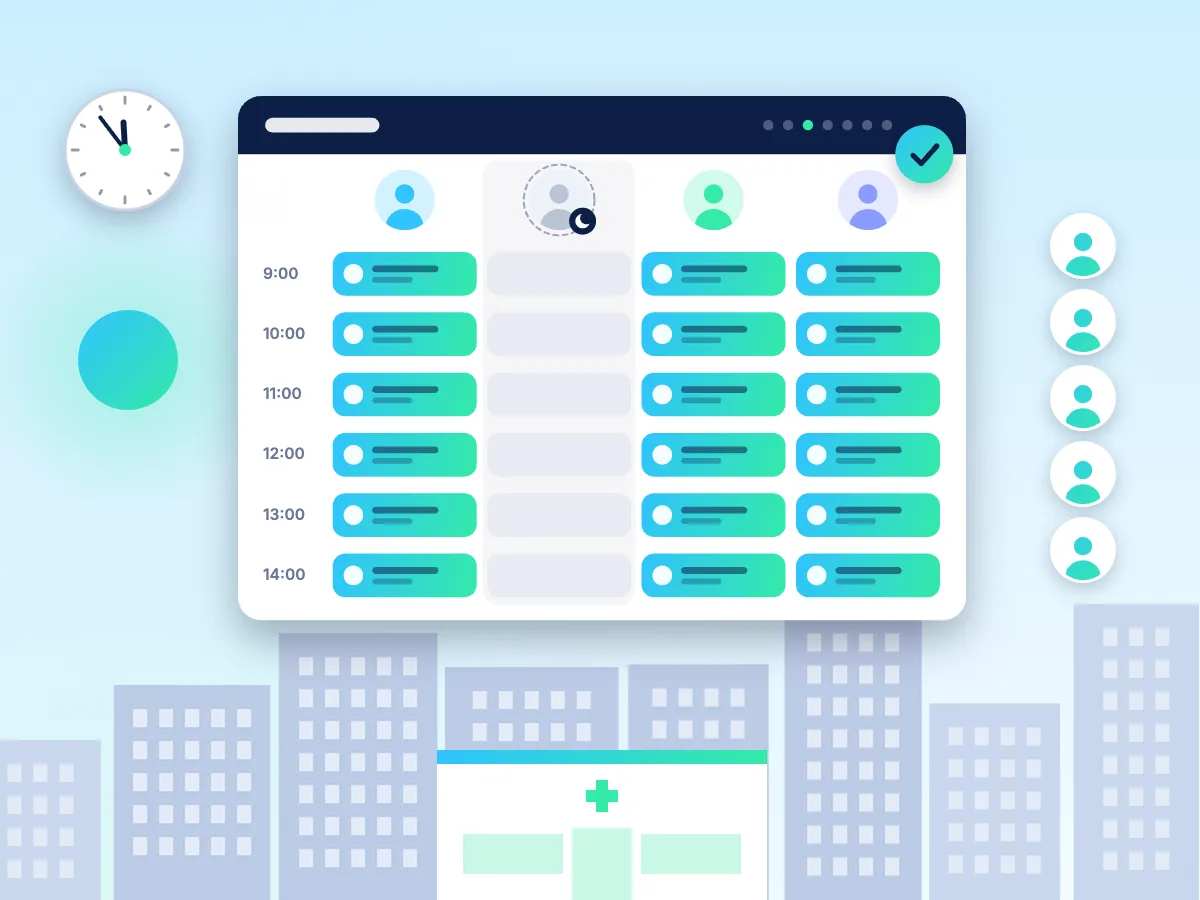
Tempo keeps one roster for every clinician, room and branch, and the roster decides which slots patients can book. When someone calls in sick, Tempo shows who can cover, and Zeya's agents contact the patients who need to move, so your front desk isn't on the phone all morning.
- The roster decides which slots patients can book
- Sick calls trigger rescheduling messages and calls to affected patients
- Clinicians, rooms and chairs rostered together, across branches
A clinician calls in sick at 7am. The day still runs.
Tempo shows who can cover the sessions. Zeya's agents contact the patients who need to move, offer new slots and rebook them in your EMR, so the front desk isn't calling patients one by one.
Use cases
What clinic groups use Tempo for
A sick call, handled before the first patient arrivesFor: Physio, dental and allied-health groups
Problem: A clinician calls in sick at 7am. The front desk spends the morning working out who can cover and calling patients one by one.
What Zeya does: Mark the absence in Tempo. It shows who can take the sessions. Patients who can't move to cover get a WhatsApp message from Text Agents or a call from Voice Agents with new slots, and the bookings update in your EMR.
Cover across every locationFor: Multi-location physio, dental and aesthetics groups
Problem: Rosters live in spreadsheets and group chats, and branches open short-staffed.
What Zeya does: One roster across all branches. Gaps are flagged ahead of time, and clinicians who work at more than one location are visible in one place.
Rooms and chairs rostered with peopleFor: Dental and aesthetics clinics
Problem: A clinician is rostered without a free chair or treatment room, or rooms sit empty.
What Zeya does: Tempo rosters rooms, chairs and equipment alongside clinicians, so patients can only book slots that have both.
Leave and shift swapsFor: Every clinic
Problem: Leave requests and swaps happen in messages, and the diary doesn't reflect them.
What Zeya does: Staff request leave and swaps in Tempo and managers approve them. The roster and bookable slots update, and any affected patients are contacted.
Locum and part-timer poolFor: Clinic groups
Problem: Filling a gap means messaging a list of locums one at a time.
What Zeya does: Tempo offers open shifts to the locums and part-timers in your pool who can work that type of session, and fills the shift when one accepts.
Registration and licence expiry checksFor: Every clinic and group
Problem: An expired practising licence or registration is easy to miss until it's a problem.
What Zeya does: Tempo tracks registration and licence expiry dates, reminds managers ahead of time and stops a clinician being rostered once theirs has lapsed.
Roster to demandFor: Physio and aesthetics clinics
Problem: Some sessions are overbooked while others sit half empty.
What Zeya does: Analytics shows demand by day, branch and service from your booking data, so you can roster clinicians where patients want appointments.
How it works
How it works
Your dedicated team sets it up with you.
Set up locations
Your branches, rooms, chairs, clinicians and the sessions each one can run.
Link the roster to bookings
Through Digital Twin, the roster decides which slots are bookable in your EMR.
Manage changes in one place
Leave, swaps, sick calls and locum shifts, with approvals for managers.
Agents look after the patients
When a change affects booked patients, Text Agents and Voice Agents contact them to reschedule.
Integrations
Connected to your EMR's diary

- AcuityBooking & calendar
 AoiKumoDental
- Best PracticeClinic EMR
 ClinikoAllied health
 Dr AssistClinic EMR
- DrPartnersDental
- EpicHospital
- Google CalendarBooking & calendar
- HalaxyAllied health
 KumodentDental
 PhorestAesthetics
 PlatoClinic EMR
 SGiMEDClinic EMR
 ZandaAllied health
Not listed? Ask us about your system, including custom deployments. Integrations →
Trust & security
Security and compliance
- Role-based access, so managers see the branches they manage.
- Every roster change is logged with who made it and when.
- Messages to patients about schedule changes come from your clinic's own number.
- Zeya is built to comply with Singapore's and Malaysia's Personal Data Protection Acts (PDPA), the Australian Privacy Act, GDPR, and HIPAA. Its security controls align with ISO 27001 and SOC 2.
- Data is hosted in Singapore, Vietnam, and Australia. Hosting in other regions is available on request.

FAQ
Frequently asked questions
Do we have to stop using our EMR's diary?
No. Your EMR keeps the appointments. Tempo manages the roster, and through Digital Twin the roster decides which slots in your EMR are bookable.
What happens to booked patients when a clinician is off?
Tempo shows who can cover. Patients who need to move are contacted by Text Agents on WhatsApp or by Voice Agents on the phone, offered new slots and rebooked in your EMR.
Does Tempo work across several branches?
Yes. One roster covers every location, including clinicians who work at more than one.
Can we use Tempo on its own?
Yes, as a roster for your team. It does the most when it's connected to your bookings and to Zeya's agents, because roster changes then reach patients automatically.
How much does it cost?
Pricing depends on your modules, team size and number of locations, and is shared after a short qualification chat. Get pricing.